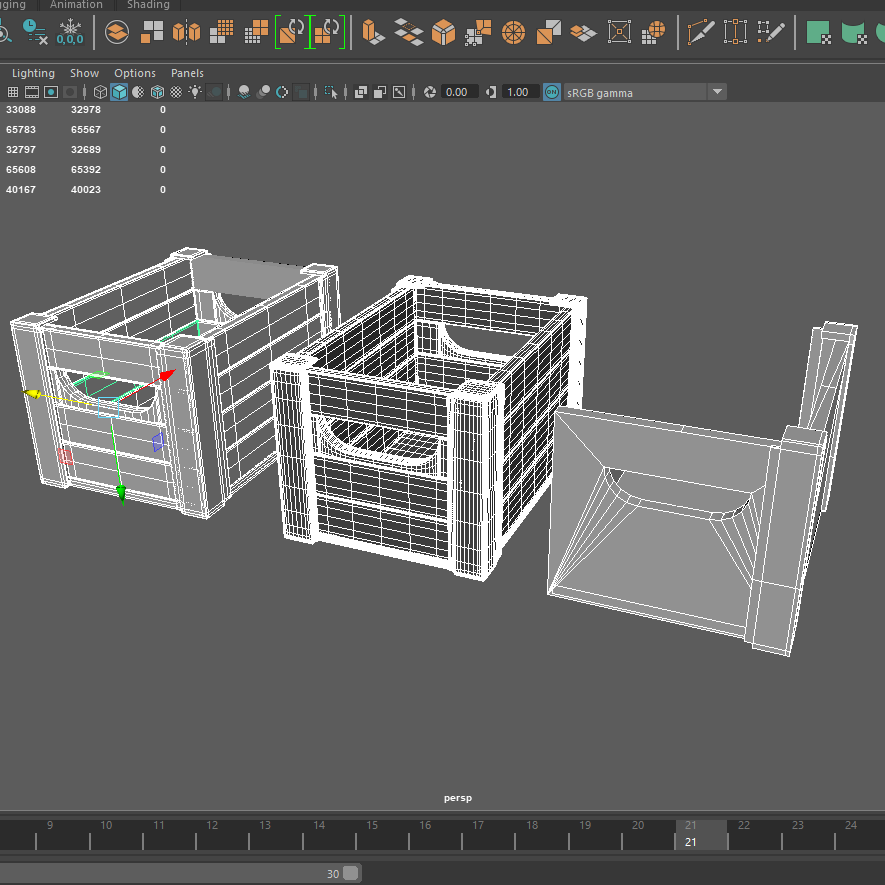
This weeks task was to go through the videos and tutorials set to learn how to create a high poly crate and then a low poly version.
High Poly Screenshots:
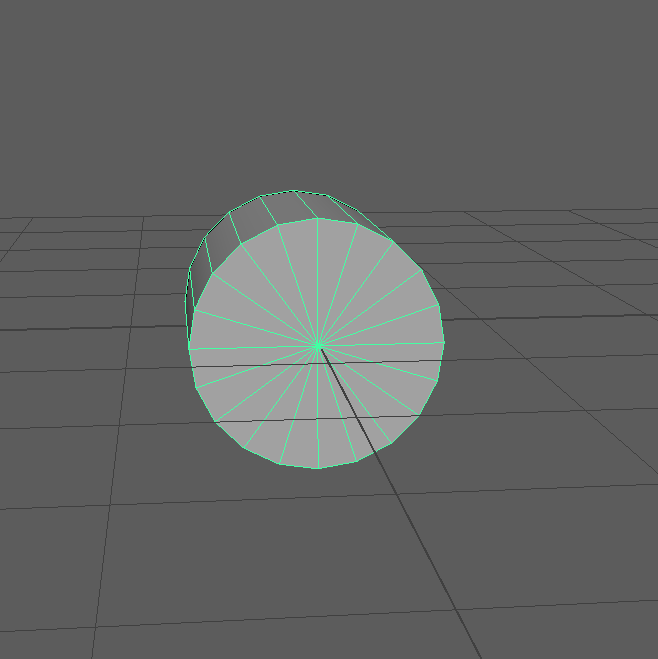
First I started off with a basic cylinder poly shape and rotated it to the centre of the grid using the magnet tool, this was so I could work with even proportions and get the centre line of the shape. After this I began to select the faces of the cylinder leaving a quarter of the shape left, leaving no other edges just the front face.
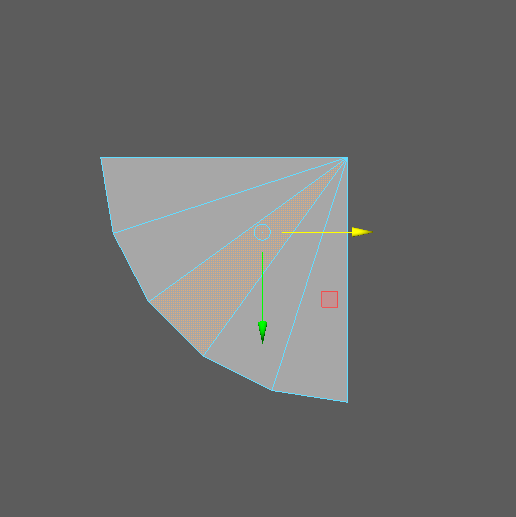
Then I extruded the right edge of the shape, creating an other face. With the bottom edges selected I extruded down and then scaled up to gain a straight underneath.

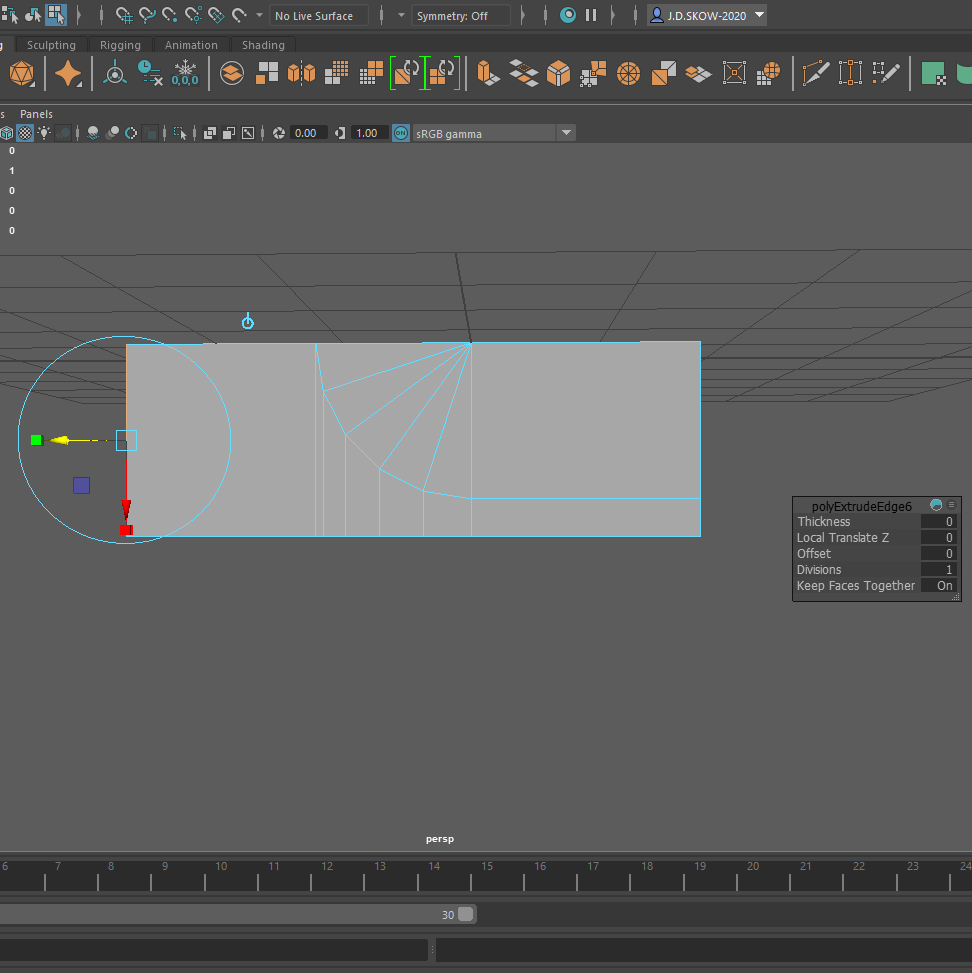
After its all straight, I extruded from the left to gain another face. This then gave me the template to work around so I could cut out the rest of the cylinder and its right edge to create a half of the handle.
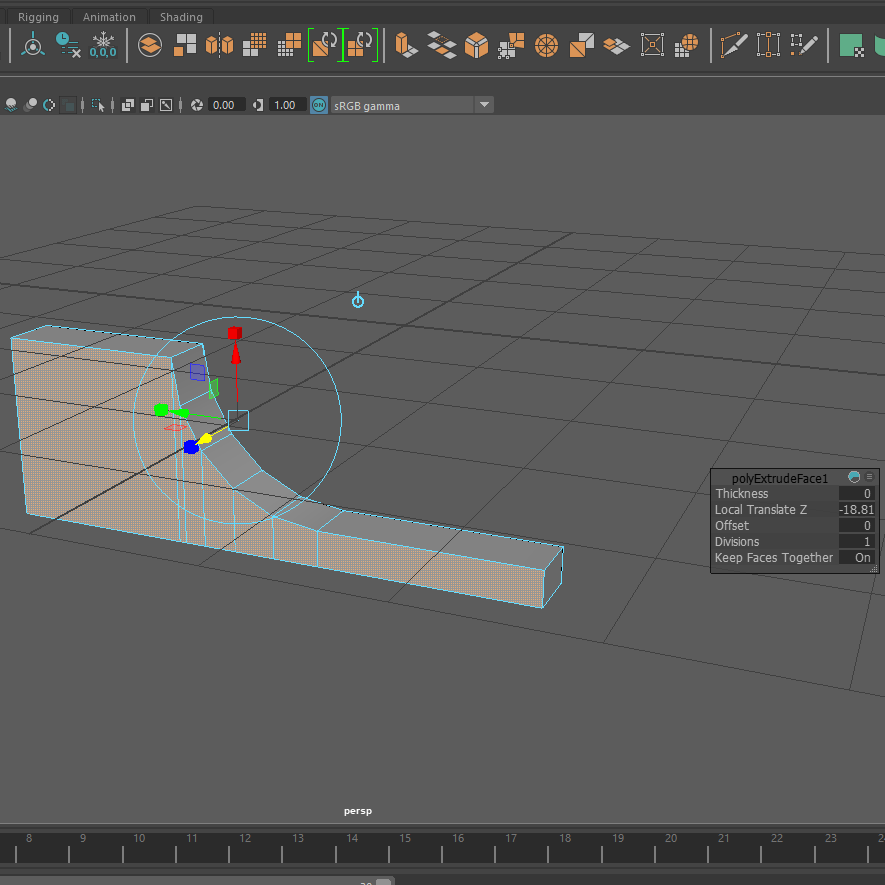
Once I had the shape, I simply made the shape more wider/thicker turning it into a more three dimensional object. This was mirrored afterwards to create the other side of the handle.
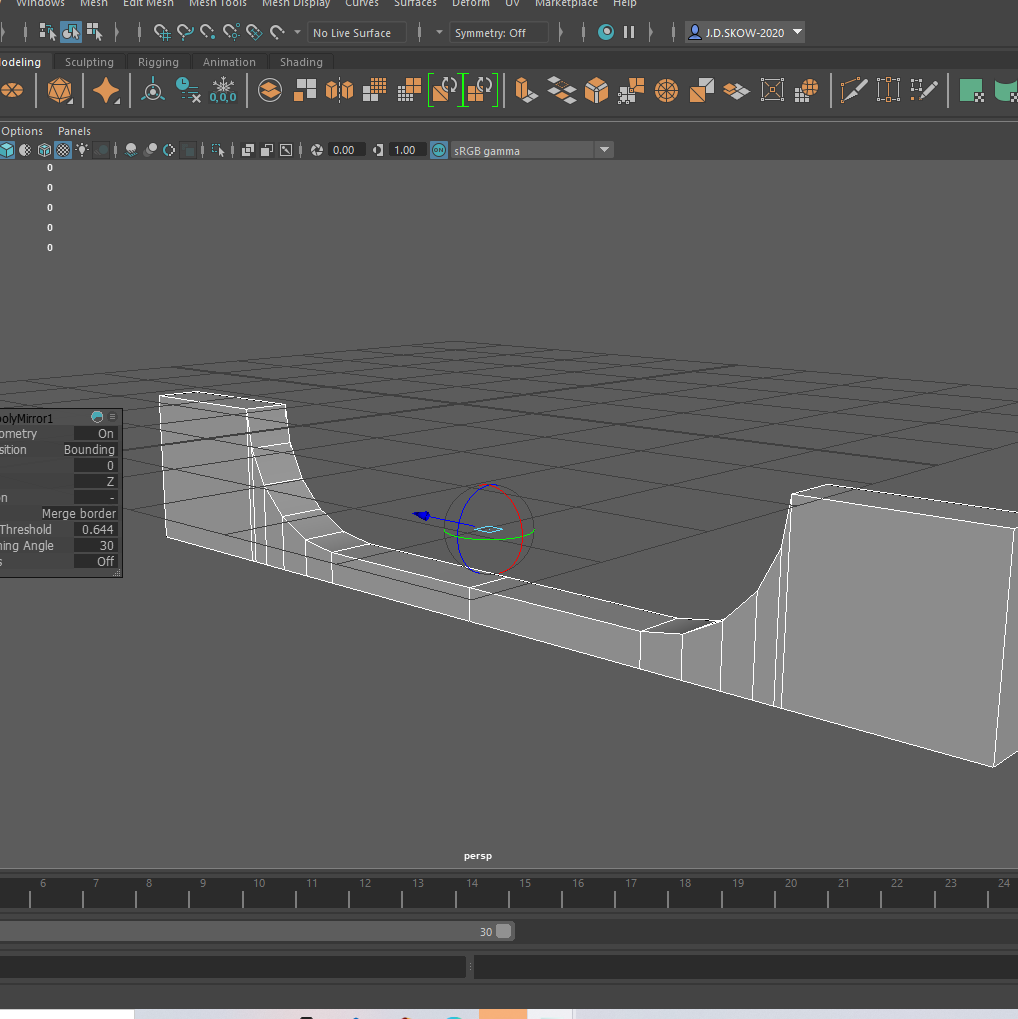
The knife tool was used next, this was to create edge loops on the handle making sure it has a smooth edge and so doesn’t lose its shape. Then once I was happy with that i started to create the front panels out of stretched and cubes.
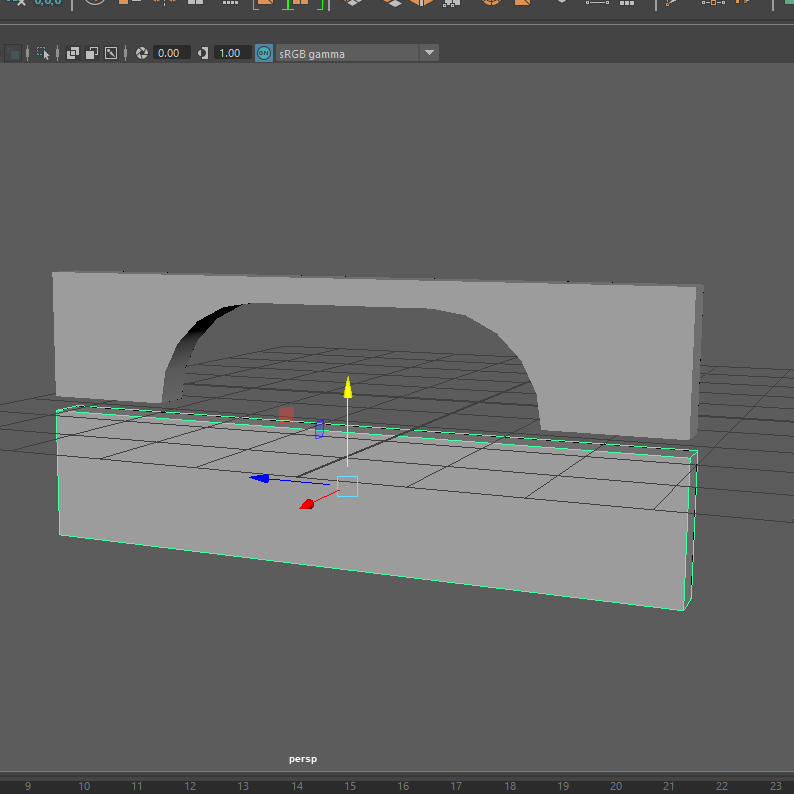
These panels had edge loops put into them also to the right smooth form. After this step I basically duplicated the shape about 2 more times to build up the full front panel.
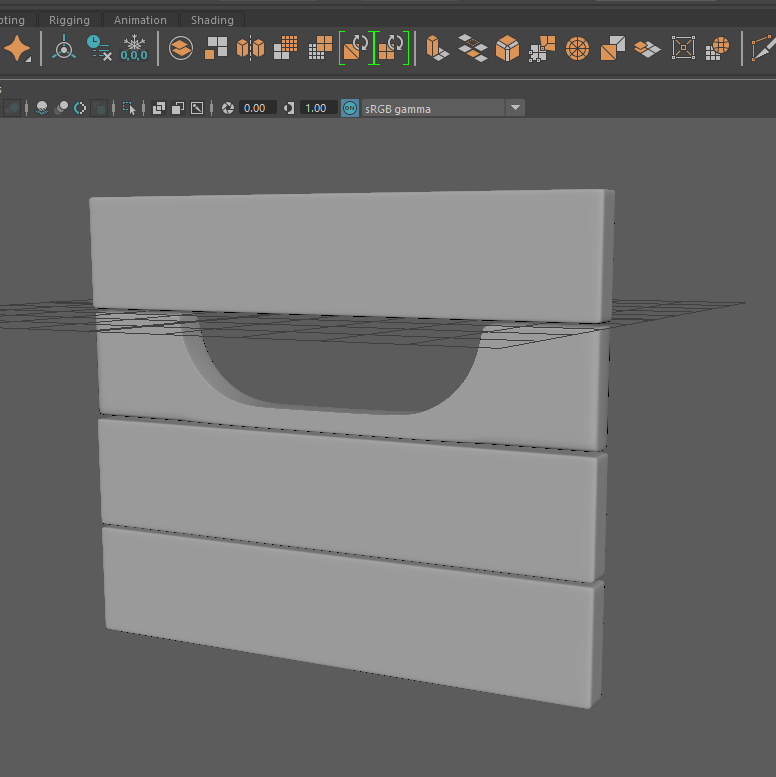
The positioning of each panel took time to do, getting the right amount of gap between each shape but this was solved in the end by holding v to get the accurate placement. Then combined together at the end to create a whole shape, this was then duplicated for the back of the crates handle also.

To make the sides of the crate I duplicated the front again and simply stretched the object of the either end, removed the handle section and replaced it with a duplicated side panel.
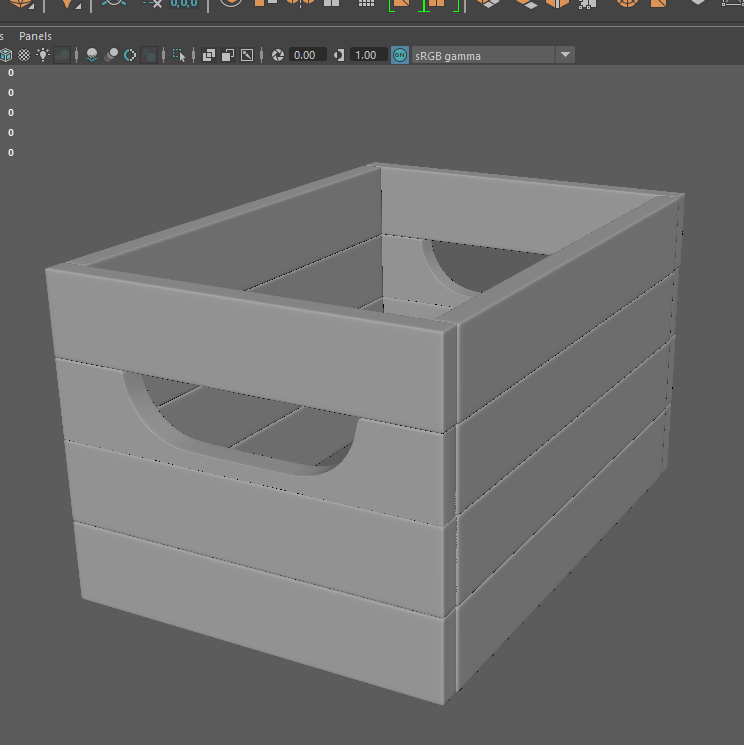
The bottom of the crate was created by scaling and stretching a cube poly into the right thickness and position.
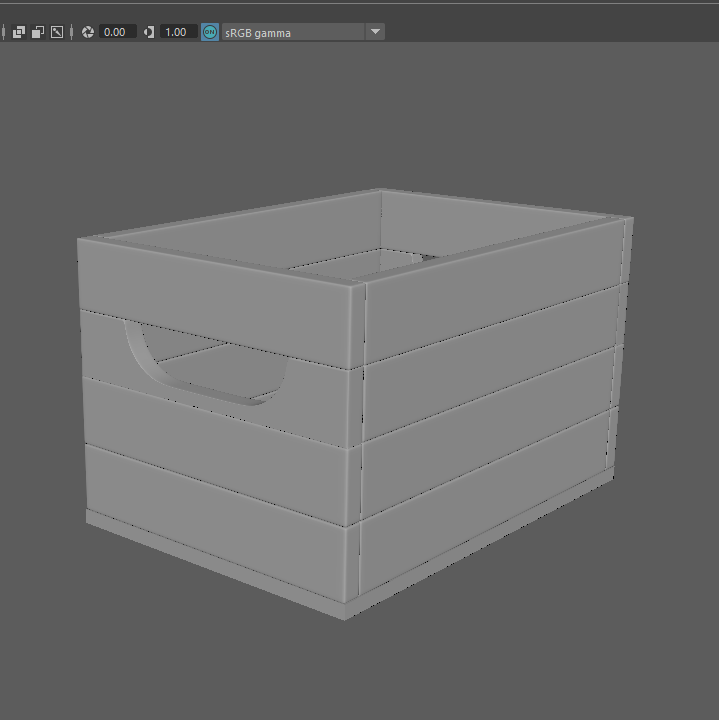
After this I began to create the metal edges, this was constructed with a cube poly which was then extruded and flipped to gain a bored kind of shape. The shape then had edge loops inserted into it to get rid of shape edges. This was then duplicated and rotated into all corners of the crate.
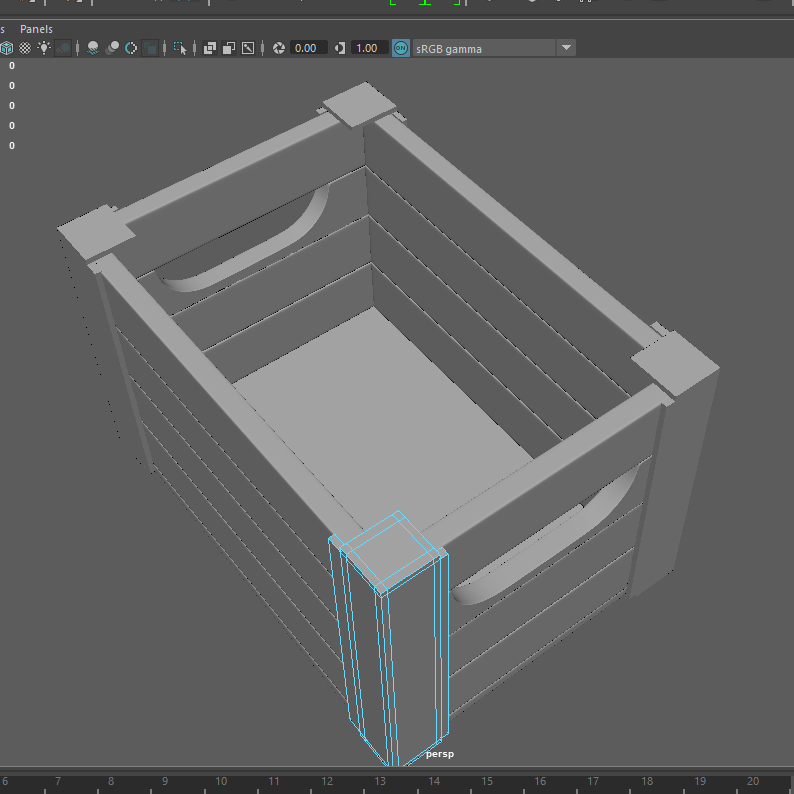
Once i had my first crate done I combined it together and duplicated it into a group so I have 2 models, one being called crate and the other high crate. With the high crate selected i selected each part individually and clicked smooth each time, making the poly count go higher, producing a high poly crate.
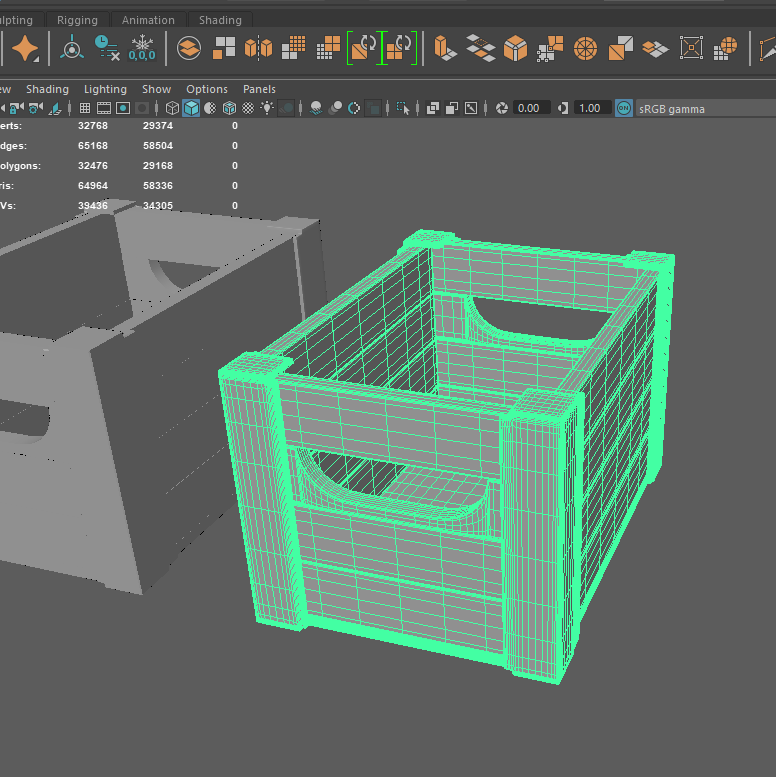
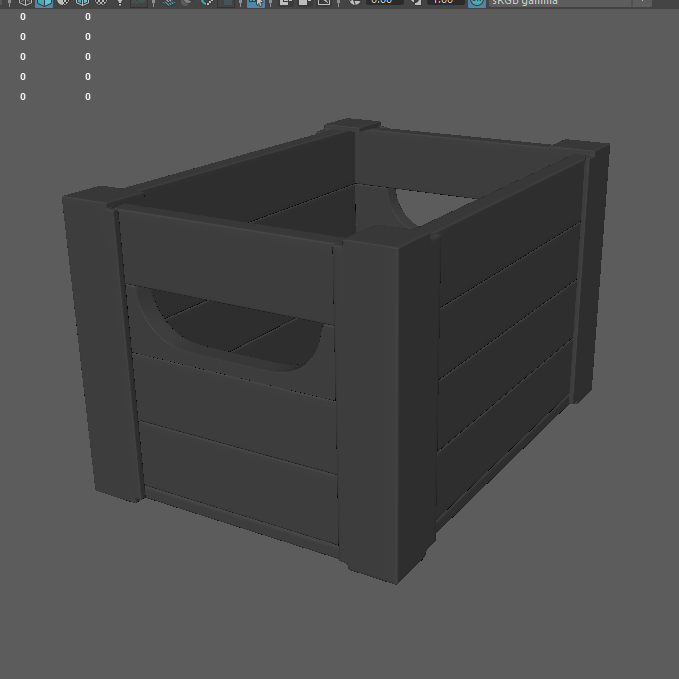
Low Poly Screenshots:
To create the low poly I pretty much repeated the same beginning steps of the first one and started off with a cylinder but worked around my high poly model.
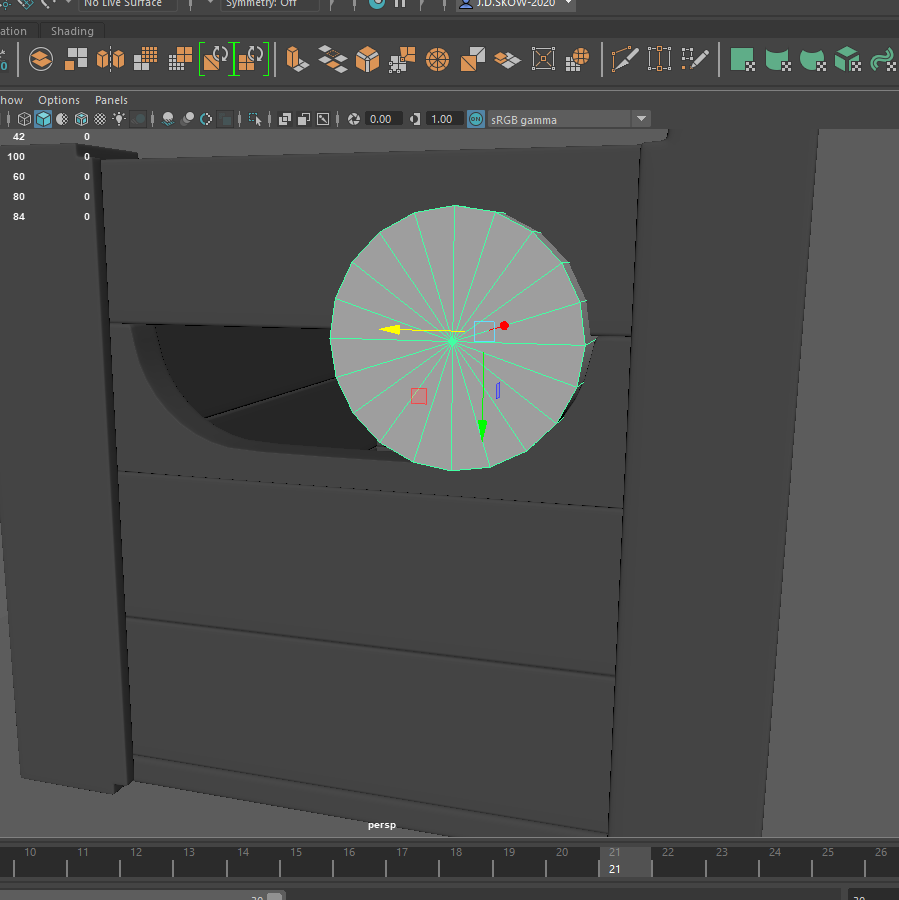
Using the same cut and extrude process.
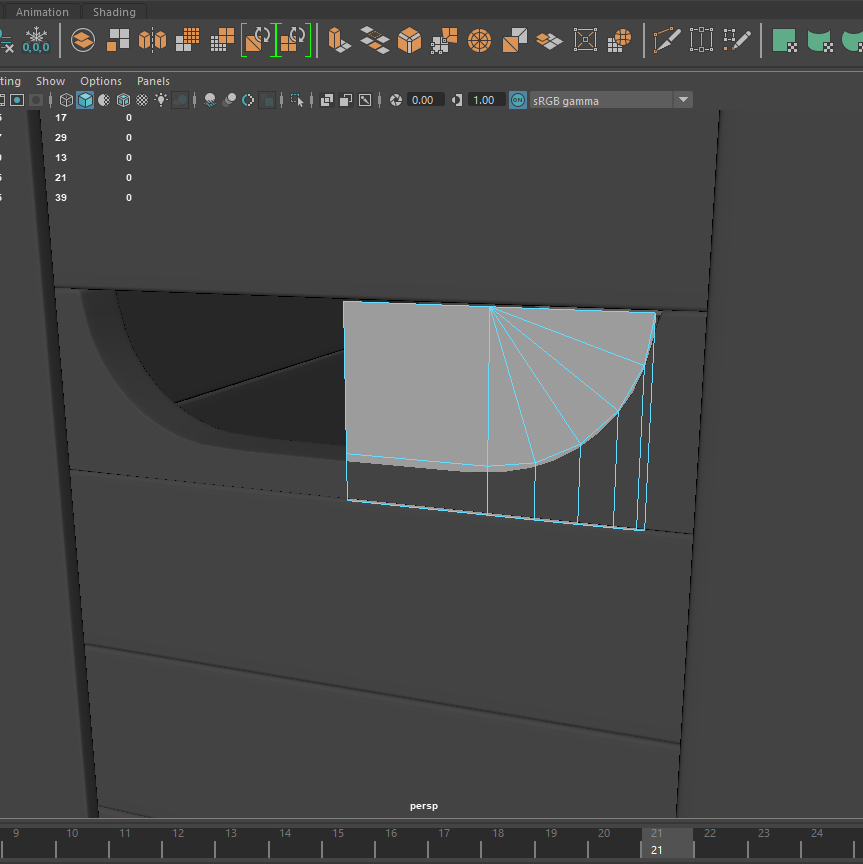
Gaining one half side of the front, this was mirrored to created the whole.
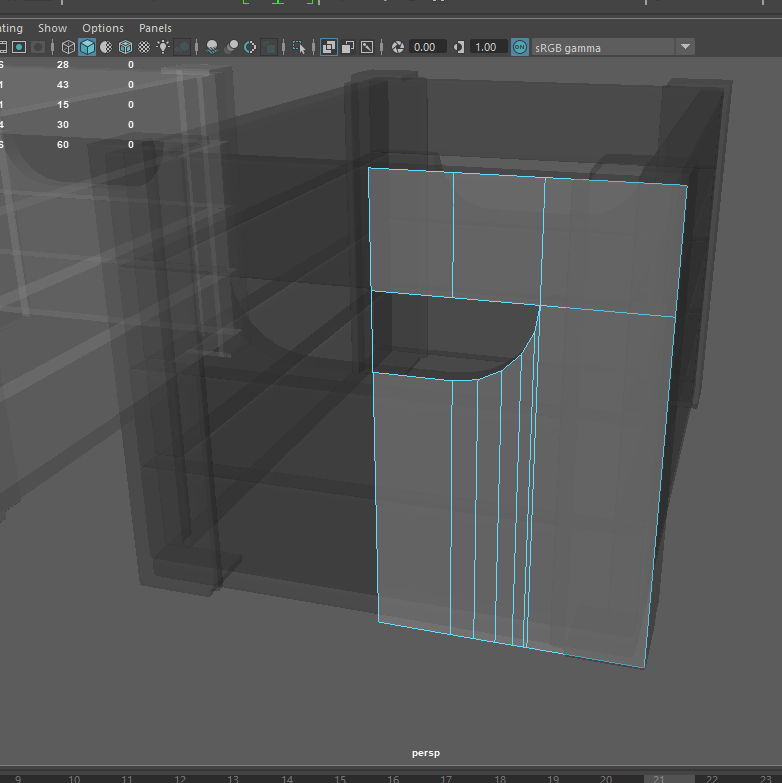
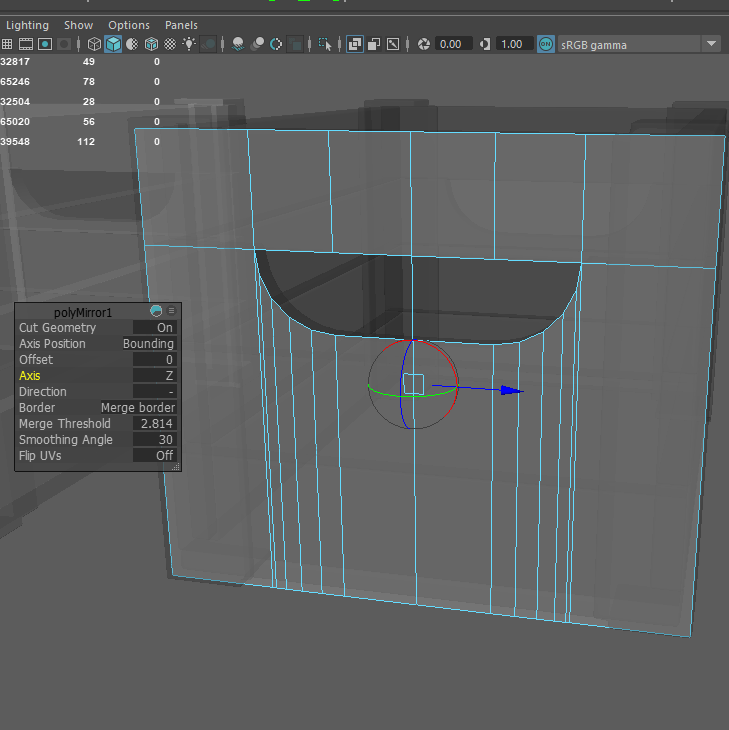
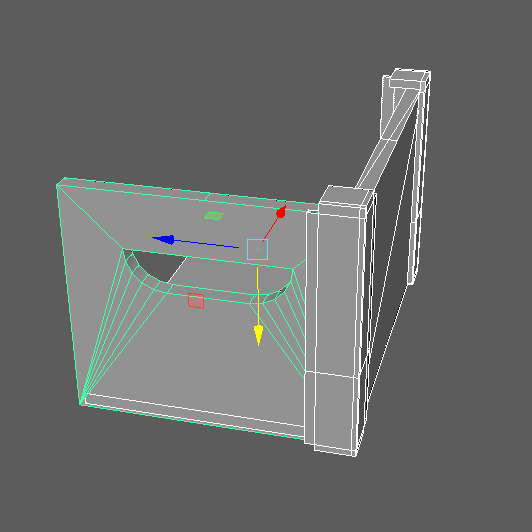
Once the mirroring was done I extruded the object and made it have some thickness, with also moving/combining the vertex points together to create less poly faces in the shape.
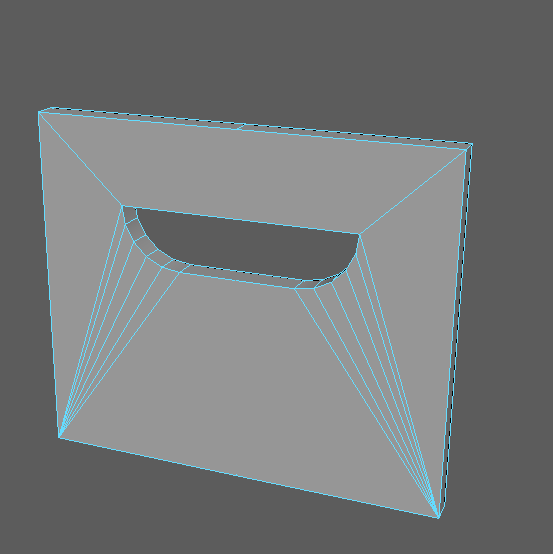
Like the high I then had to create the side of the low poly, this was created using a cube poly scaled into the correct position and the right length like the high poly crate.
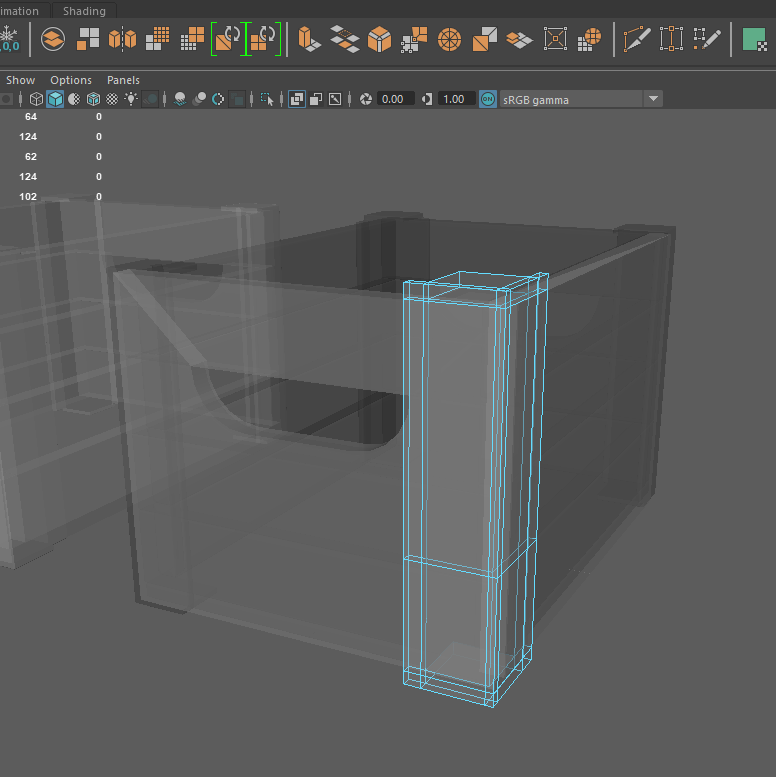
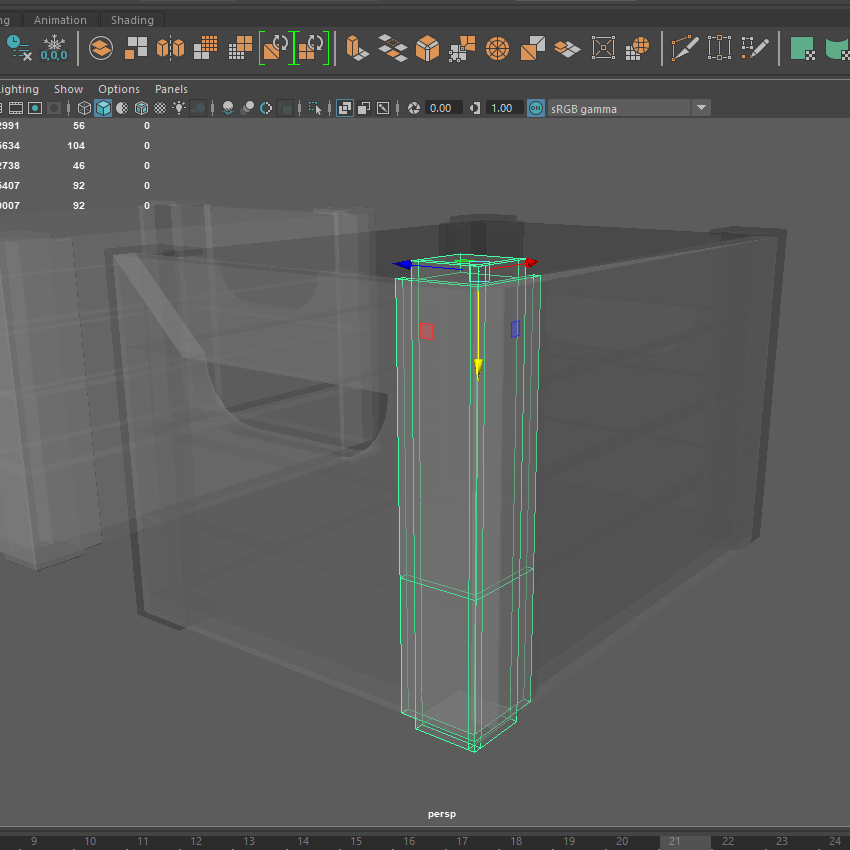
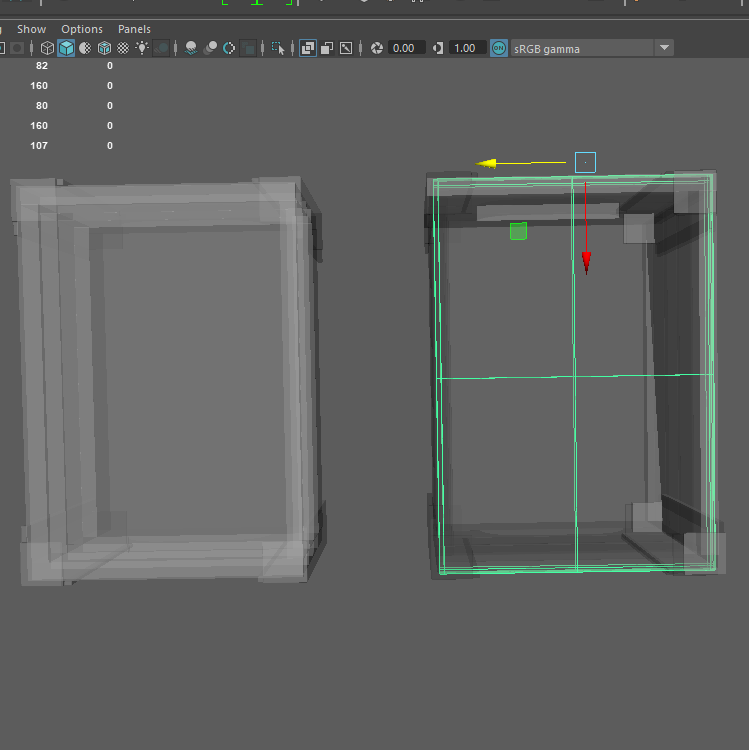
After I created the metal edge by using the cube poly and extruding the sides again. The base of the crate was duplicated from the original but was simplified with less polys.
All Together: