Colour + Effects Exercise:
When experimenting with the drop shadow I found reducing the blur can actually create this clean straight outline to the logo, I personally like this as it gives the type more definition and it make it more suitable on a variety of backgrounds.
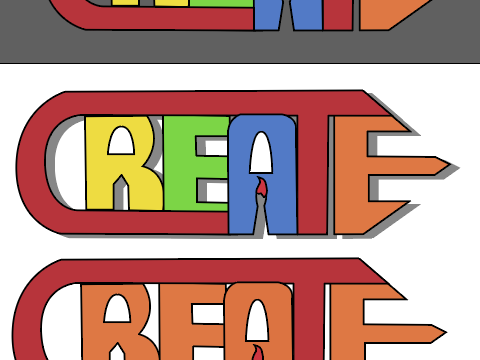
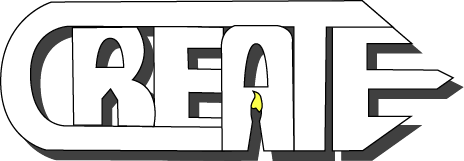
Then I wanted to see the appearance in white with a little drop of yellow on the brush. This seemed to work greatly as the shadows really defines the logotypes shape.
Composition Exercise:
For this task it as to experiment with composition using basic shapes and colour, showing the development process along the way.
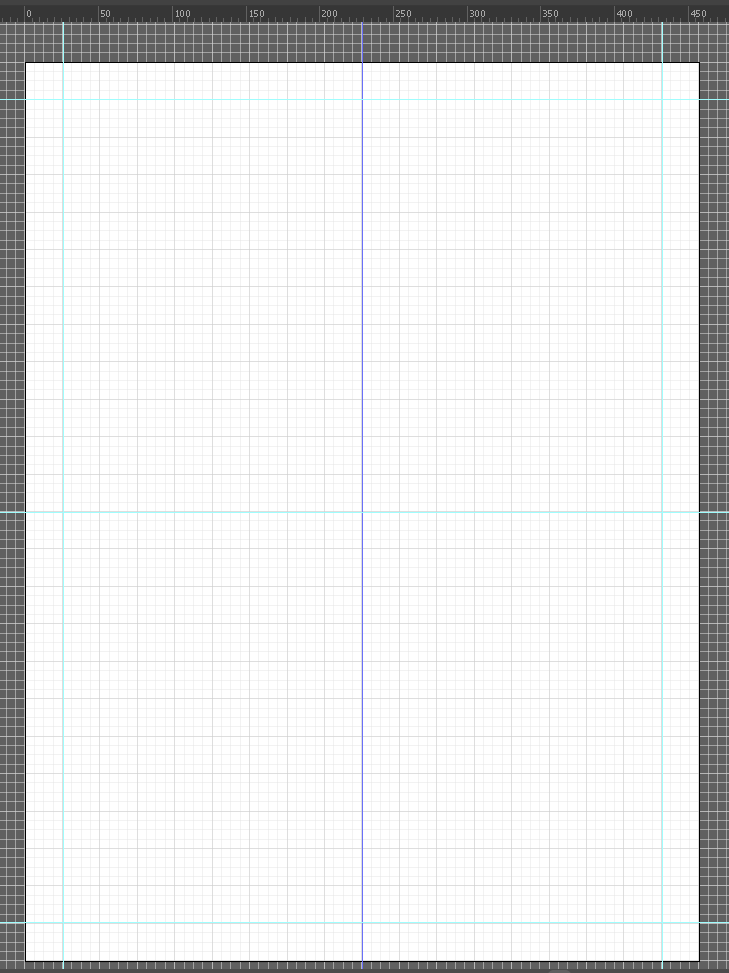
As a start I created an A4 sized canvas on Illustrator with grid lines equipped, by doing this I wanted to achieve more accurate measurements and to make nice even shapes. The grid was not enough however so I began adding some ruler liners across the page, creating an outline and a centre.
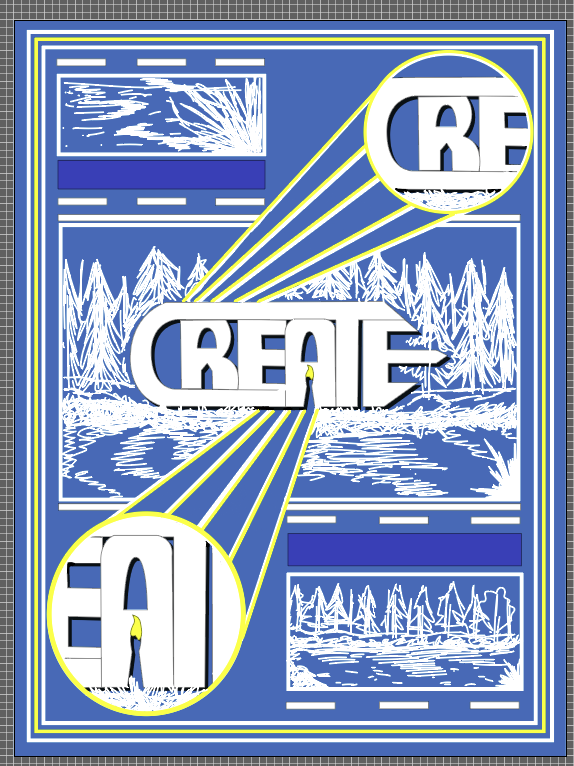
For my inspiration, I thought of creating this piece kind of like a blue print but for concept art. The creative construction of visual graphics relates to this as its showing how the graphics are being structured in a more illustrated format .
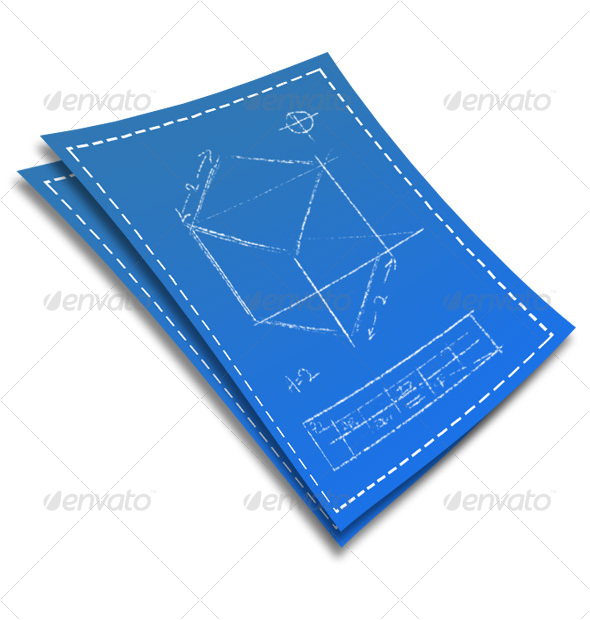
To begin, I first filled the background with a soft dark blue colour surrounded by an evenly spaced out border. These borders was created using the rectangle shape tool, I made these to conceal the imagery so they wouldn’t seem unorganised. Then the logo was centralised within the middle of the page accompanied by roughly sketched piece of concept art. The artwork and breaks between shapes are made in white to resemble the marks made on blue prints, like white chalk.
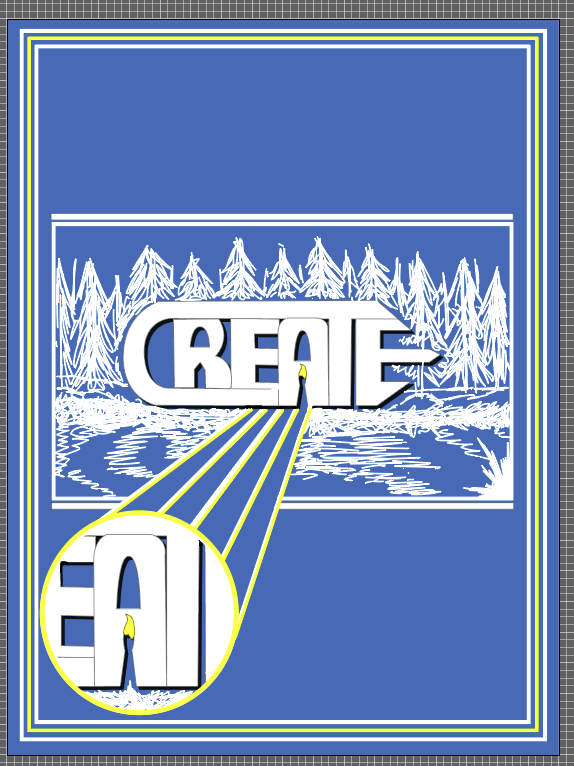
A fun atmosphere is created here in my opinion because of the marks presented within the graphics , the imagery looks kind of child like and playful. The visual graphics are creative and organised neatly, the audience would be 13+ I think because any younger would not understand the construction of the visuals.