
For this week we had to generate a character movement walk cycle using the Jerry Model provided by the lecturer.
To start I downloaded the files and exported them to Maya. Within Maya, I also added the walking cycle map as a reference image in the background scene to guide the model to follow.

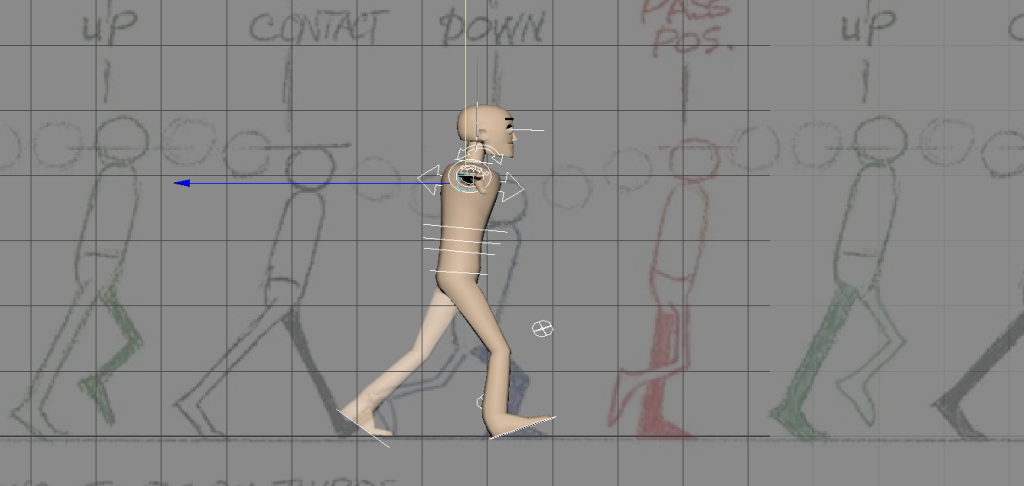
When keyframing the movements, I stumbled across a few problems along the way. The problems mainly included making the body movements appear smooth and free with a connected loop bringing it all together at the end, to fix this I had to keep repeating and going through my reference images steps while trying to accurately place the parts into the correct position.
After finishing with the demo model, I then quickly rigged my own character model and generated a short walk cycle. I found doing this task quite easy to do, I pretty much used the background image from the demo model as a reference and then altered it slightly to match the shark’s body movements.
Rendered Result –