
Since I had to do the retopology, my whole model’s textures from the previous model wouldn’t apply or work with the current so I had to start scratch. I am rather disappointed that my model lost its details and textures, this set me back quite a bit when doing the work giving me more things to do and focus on. Instead of using poly paint to create the textures, I thought I’d go with Substance painter, this seemed to be the correct approach as I had a wide range of materials that I could select from.
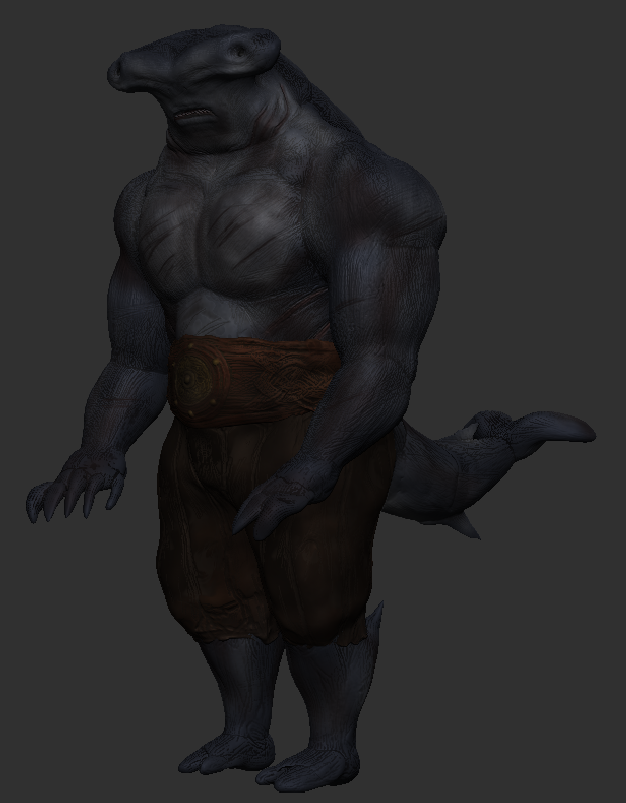
Using my old character screenshots as a reference I was able to map out and recreate a couple of textures that I previously had, these textures didn’t turn out as detailed but worked with the low-poly appearance of the whole model.
To begin with, I applied a fabric denim base coat to the model. I decided to use this to start with compared to the rest of the materials because of the roughness and the appearance of the grains, these elements all have a look of the way they use to look and helps to sell some of the cuts/scratches within the skin.
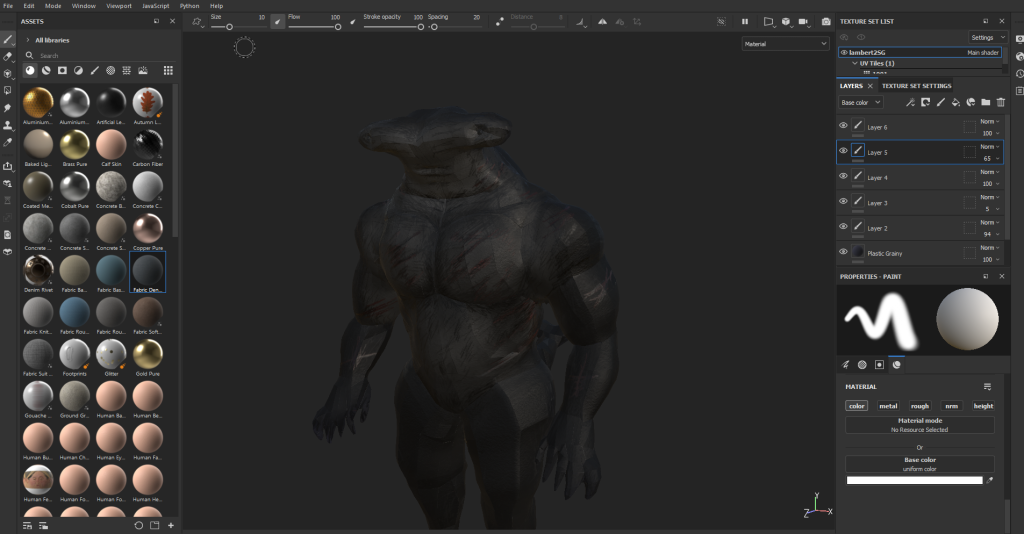
Once the base coat was added, I switched to my drawing tablet and really sunk into the model’s details. Shades of greys and navy blues were applied to the model building depth with a variety of changes in brush opacities to achieve shadows in areas of the body. When all of the dark colours were finished I did a small spray of a low opacity of light blue to generate highlights, this helped define the body’s muscles greater.

Back to Maya –
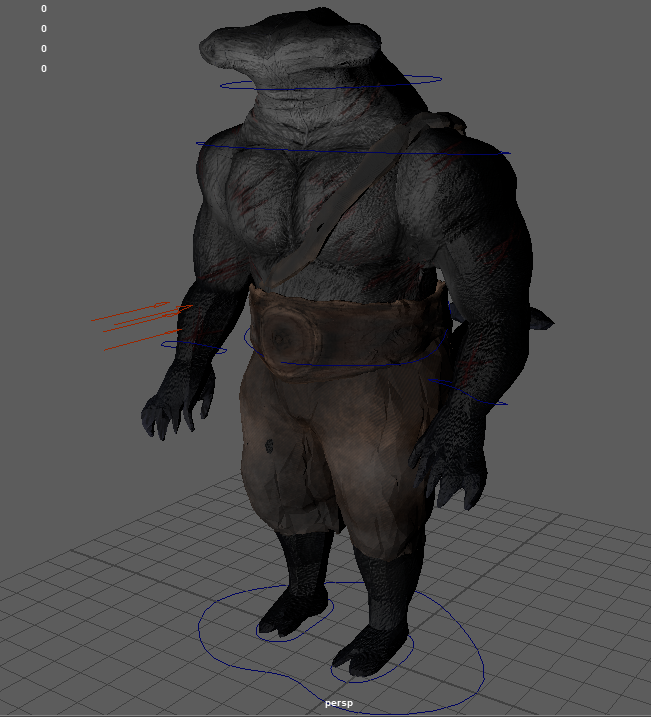
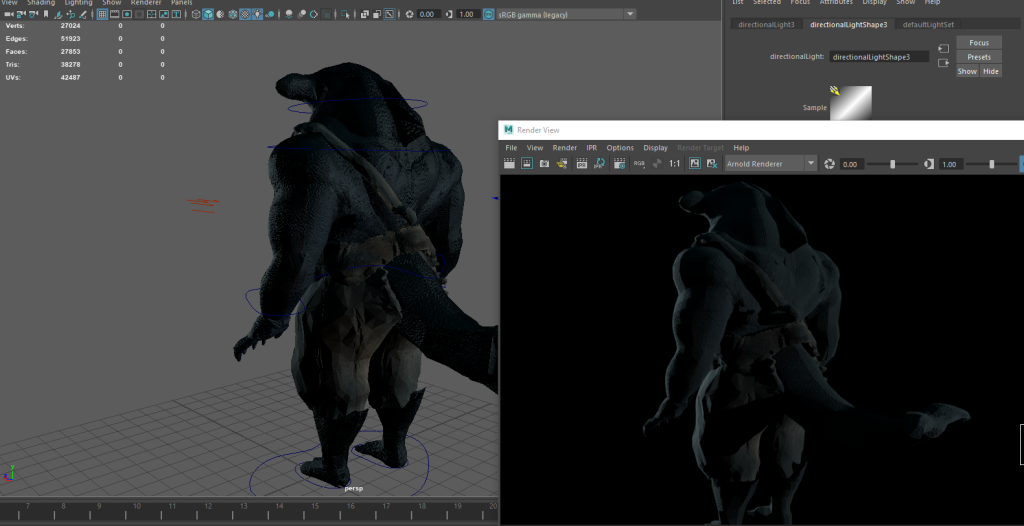
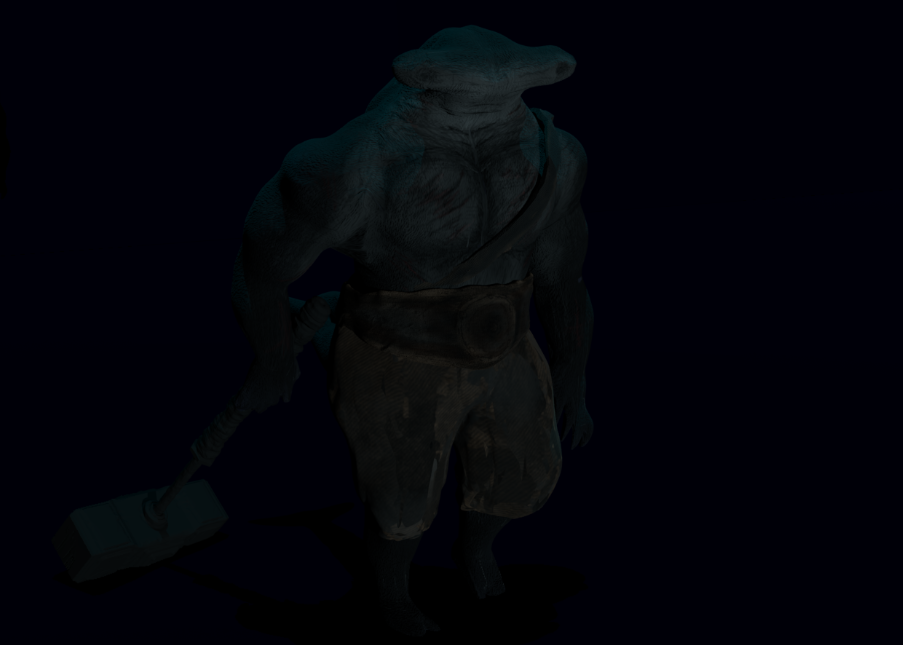
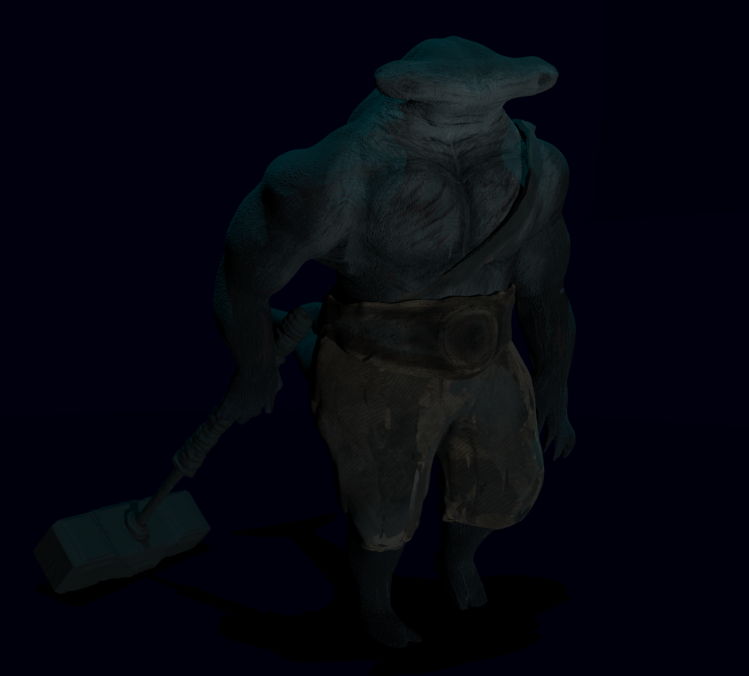
With the textures within Maya rendered, the model’s detail that I was worried about didn’t look bad at all. There was quite a bit of detail that I managed to recreate within substance painter, the levels of detail don’t compare as much to the high poly but to match the low-poly state it works rather well.
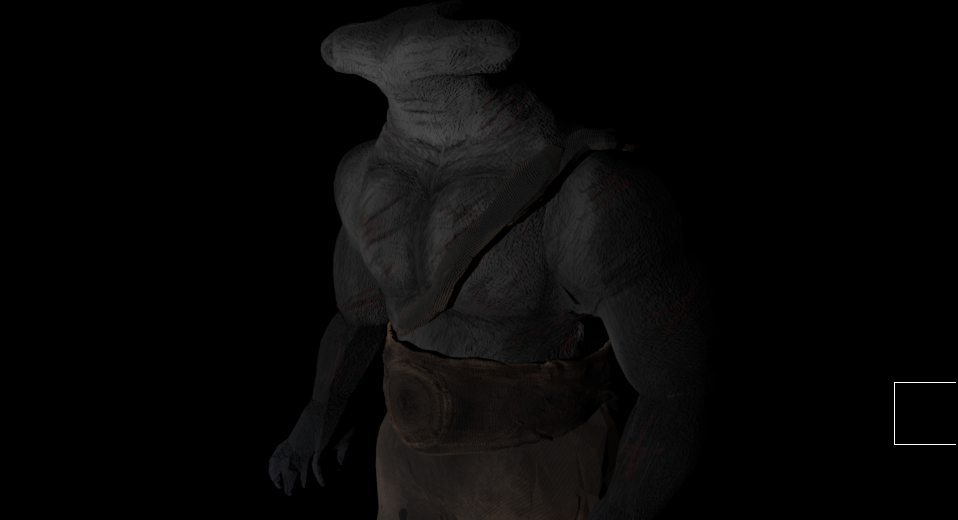
As soon as I saw the textures rendered my mind went straight to this game’s appearance, Peter Jacksons King Kong: The Official Game, it’s a game that was released in 2005. The textures seem to be fairly similar, both models in comparison use a low-poly base with the textures applied softly to add levels of detail.

For the next post, I shall now be blocking out all of the animations, with video references and sketches.
Image Reference :
GameWallPapers.net – Peter Jacksons King Kong: The Official Game, Website –Free Peter Jackson’s King Kong: The Official Game of the Movie Wallpaper in 1280×800 (mygamewallpapers.net) ( Accessed, 10 April 2022)