
First, I started by searching for imagery of the animal I wanted to create. I decide to go with the gorilla because I wanted a bit of the challenge with the features and body structure, I feel like it would be a great attempt to trying out the zsphere tool. The pose that I chose to go with would be the main standing stance of the gorilla on all fours.
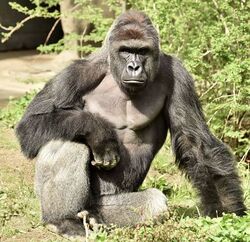
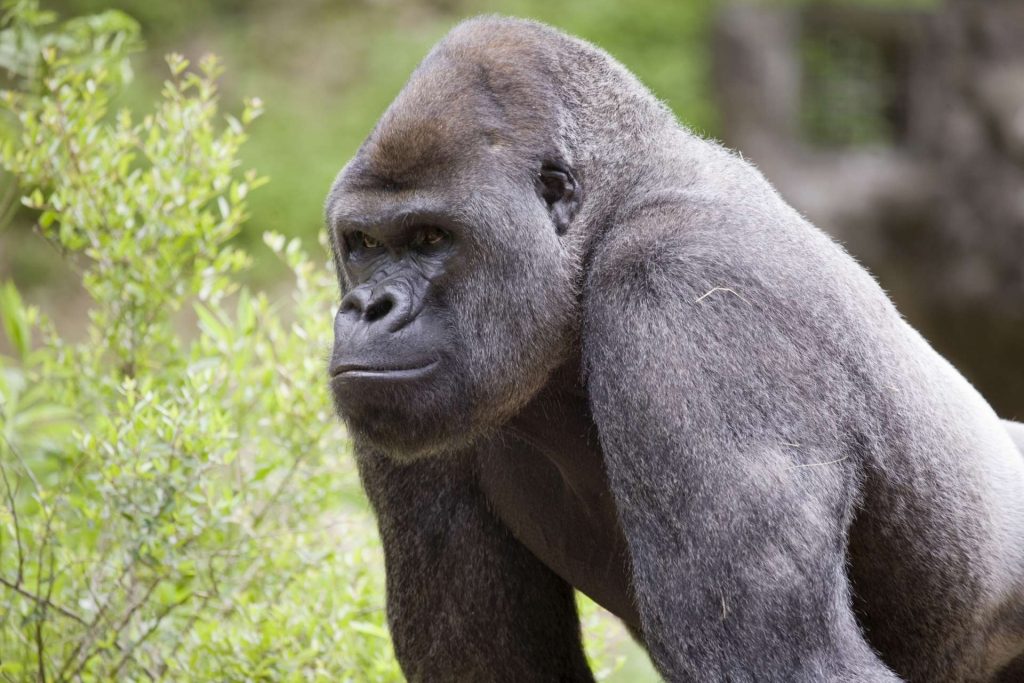
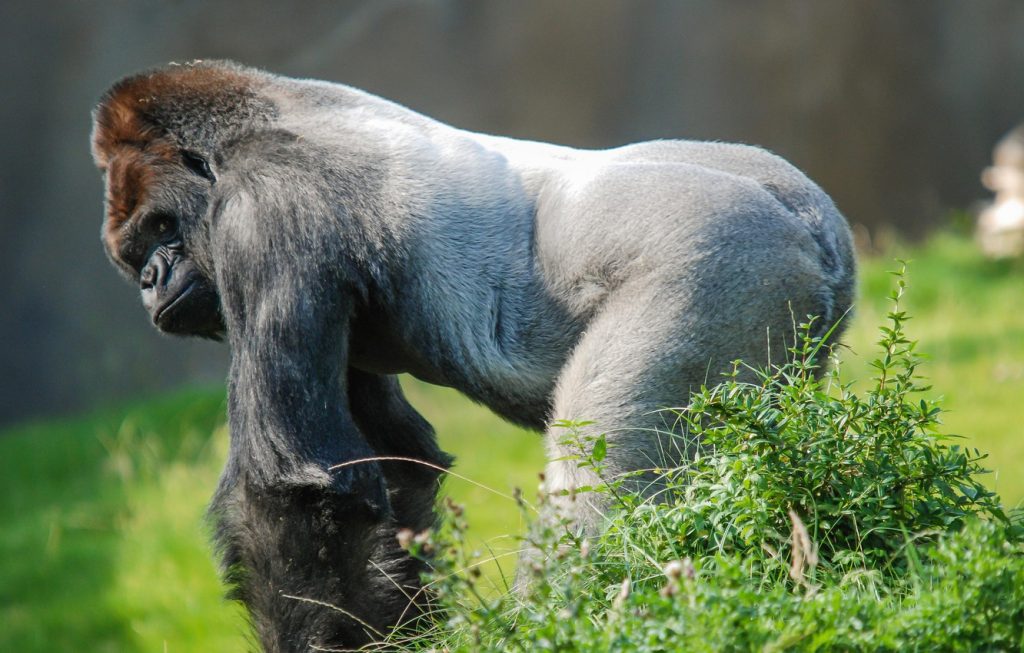
Now moving onto the software, I started by building up some spheres onto each other overlapping them and creating joints for the body. I wanted the body to be more muscular in some areas so I adjusted a few sections until I was happy with the result.
As soon I was happy with the shapes I clicked ‘A’ and let the programme make the polys. The body ended up looking very deformed and not how I imagined, this was most likely because I had a few spheres overlaying in places. I ended up working on top of this deformed body and morphed it into a more suitable state that I was happy with.
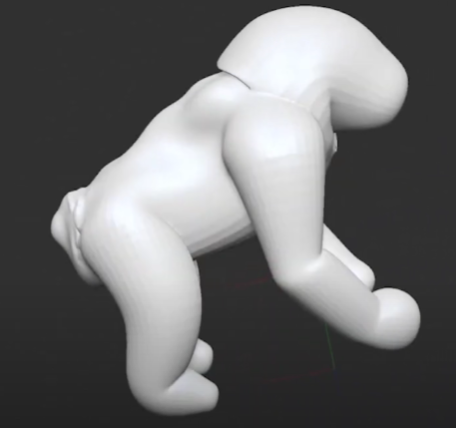
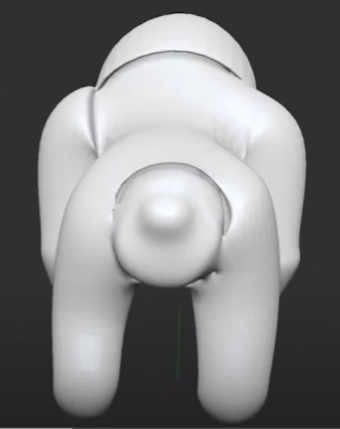
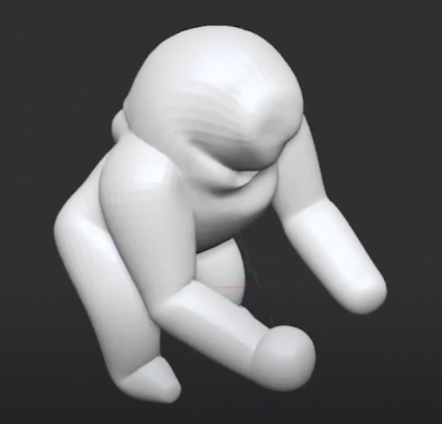
To morph the body structure I used the move tool with the subtraction to make areas cleaner and gorilla-like. I did just stop at just making the body shape though, I ended up creating more in-depth detail to the skin and facial features with the chisel and standard tools.
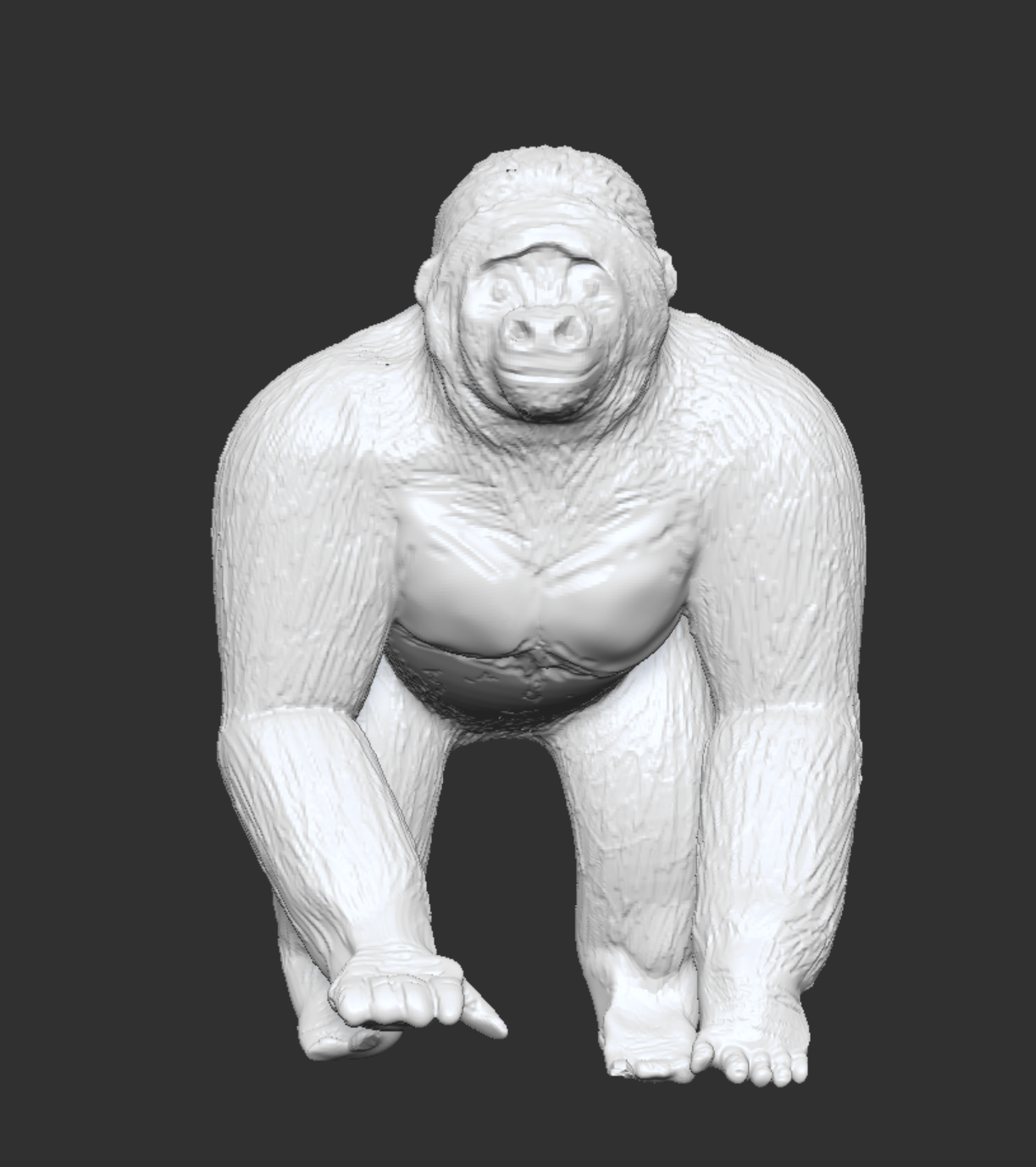
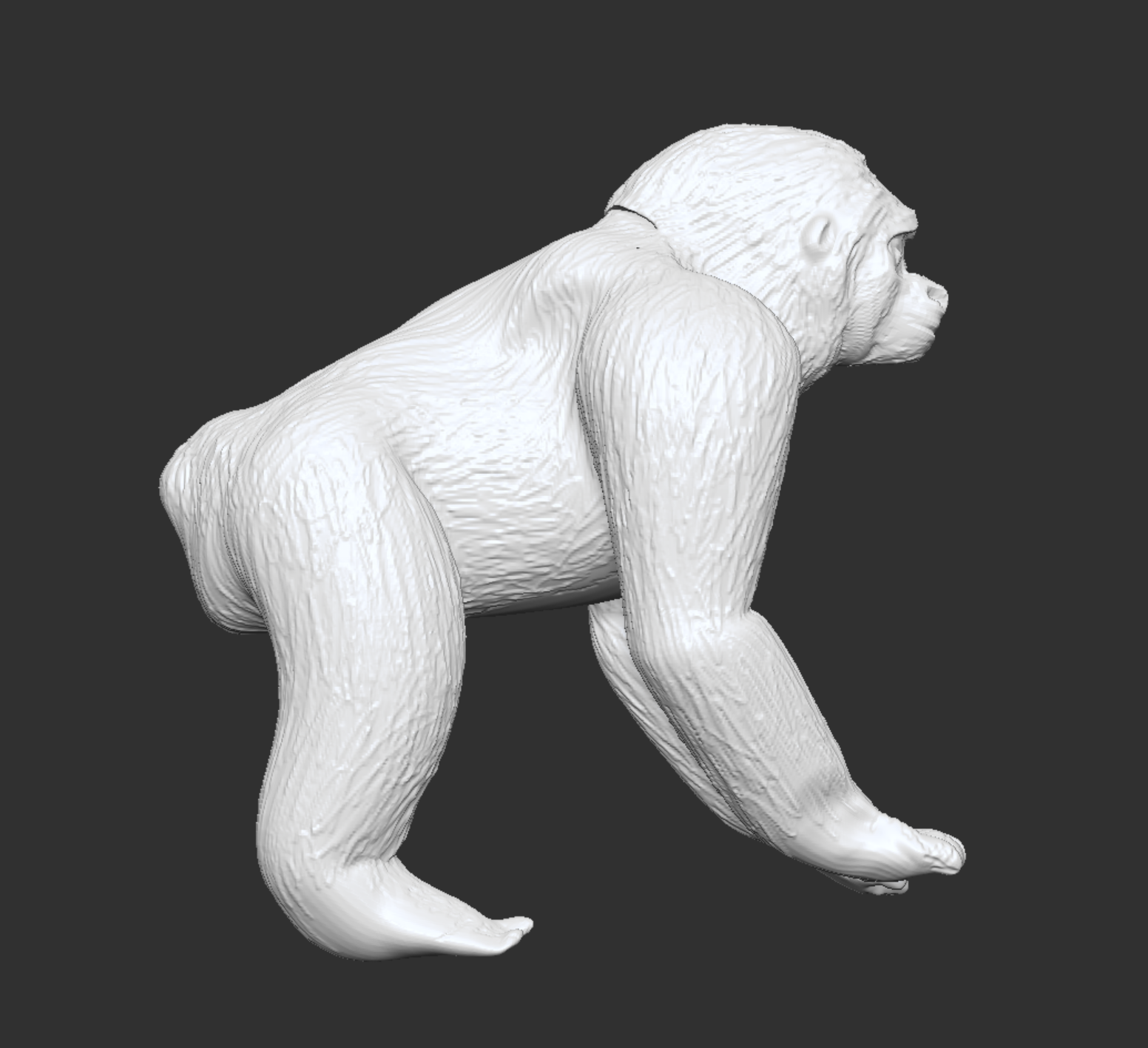
TurnTable :