
For this custom theme, I have decided to construct a microgame prototype. The game involves the player searching around this enormous house for batteries which power a machine to turn you back to regular size, along the way they shall be obstacles such as AIs to avoid and parkour to complete. I will also be building this game within Unreal Engine 4.
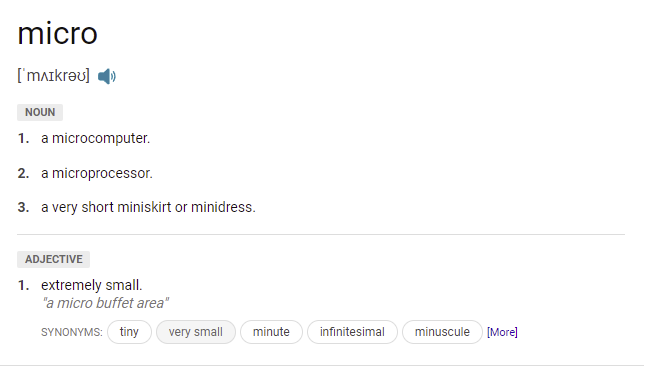
Micro Definition –
Game Inspiration –
Grounded is a survival video game developed by Obsidian Entertainment and published by Xbox Game Studios. It was released for Windows and Xbox One in early access in July 2020.
The influence for my prototype from this game that I am taking is mainly the player size and height of objects around the map. In Grounded you have been shrunk down to nearly the size of an ant and your goal is to survive and power the machine back up again. Instead of having bugs as obstacles for mine, it’s actual giants, also there is only one goal and that’s to fix the machine to win. Player scale compared to objects within grounded will help me accurately plan out object sizes with the height in mind.
Background –
You are a babysitter and you get offered to look after these 2 troublesome children, both are constantly on a rampage causing a huge mess around the whole house. You decide to put one to bed but he kicks off and breaks his father’s machine (located next to the bed). From this impact the machine malfunctions and activates shrinking you to the size of a mouse. Your goal is to now find 4 batteries scattered around the house to power the machine again to turn you back to normal.
Environment –
For the environment, there was no real inspiration for the layout of the objects. All furniture was placed in a way that looked like scenery but was really arranged as a parkour puzzle, this was to give the player the opportunity to think about their surroundings and work out how to get to the batteries.


First player size comparison to the map –
Below are a few screenshots with the game development of the player placed within each room, this is to show mainly the scale. The player’s height is no bigger than a mouse, I also made the camera follow the character from afar to properly sell the tiny aspect.


Each room has toys and books scatted about, this is from the children throwing objects around causing chaos. Conveniently most of the objects are also laid out so the player can jump on to get to places.

Objects like water, balls and cushions have been given a jump pad feature, this is so the player can retrieve items from higher points or to even avoid the AIs.


AI Child –
Here’s a screenshot of the player compared to the AI, I have made it so the child’s height is no bigger than the countertop as I would like the child to only just be able to grab and see the character on these surfaces. An addition that I have also added is that the player can also run between the AIs’ legs, this was a feature I really wanted to experiment with and worked great as a quick escape from Child.
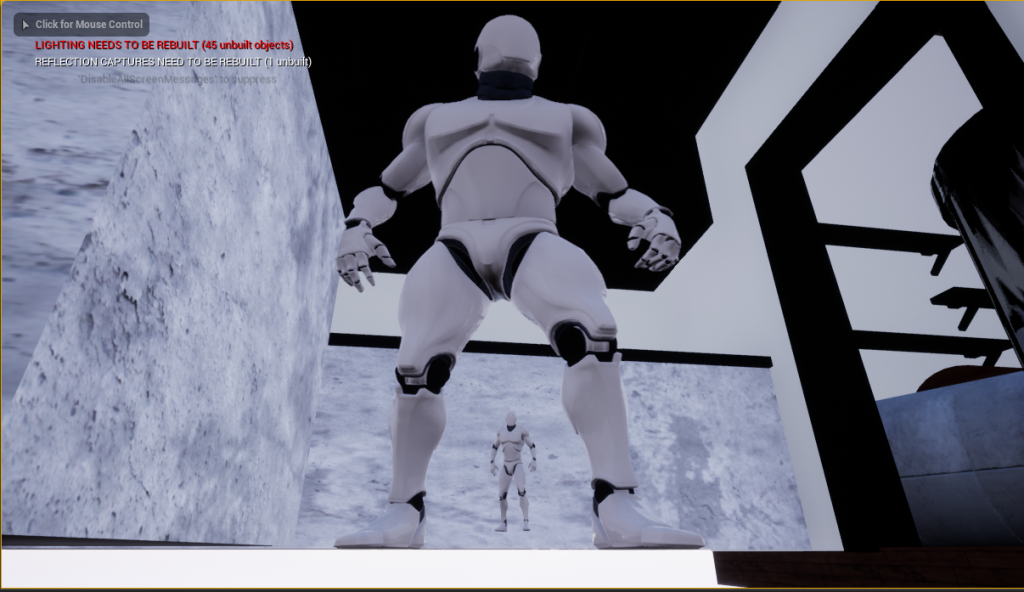
For the second child, I made them slightly smaller than the previous, more of the height of a toddler. This character can run underneath tables and chase the character greater pace than the other. The only thing that the toddler cannot do is reach the higher places like counters for example.
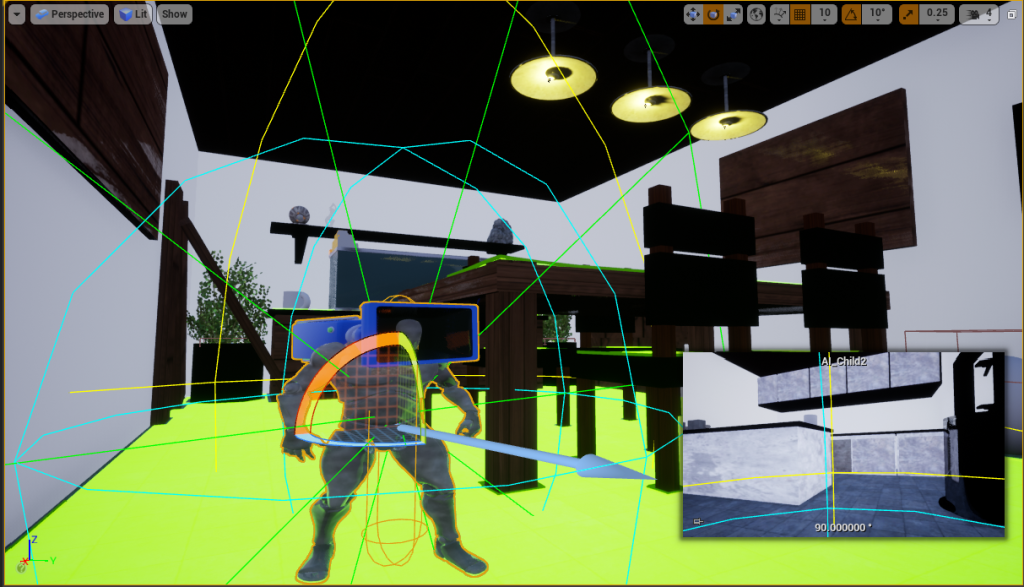
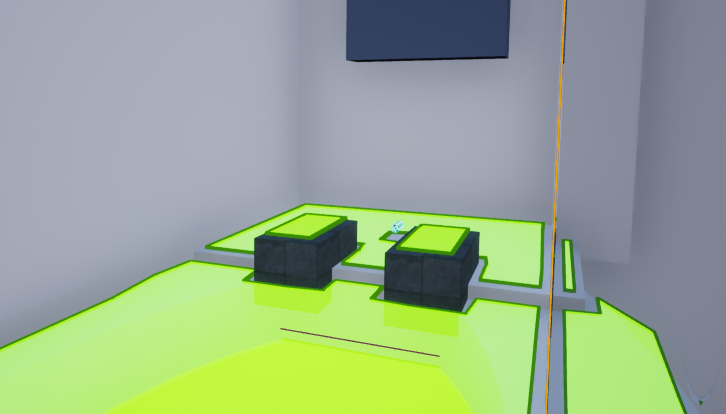
Everywhere covered in green, the AIs can roam and catch the player. As soon as the player gets caught, the screen fades out black and then the game resets, creating a loop until the game is completed.

1/05/22 Gameplay Update :
Notes:
Players can sprint, jump and avoid the child by hiding.
The map is laid out and completed.
Child AI systems can now chase the player.
To Do:
Add Batteries to win the game.
Make AI catch the player (leading the player to start over again).
Getting Caught –
Here’s a short clip showing what happens when the AI catches the player, the player ends up fading out and falling on the floor, resetting to the beginning again. If I had more time I would have liked the child to pick up the character and it fades into the face, giving the impression of getting eaten by the childlike them putting a toy in their mouth.
Batteries locations –
To complete the game, you must collect all 4 batteries to power the machine. I have positioned these batteries across the map in high and low areas to give a range of parkour puzzle difficulties, this is so that the player receives a fair amount of challenge to the game than completing it easily.
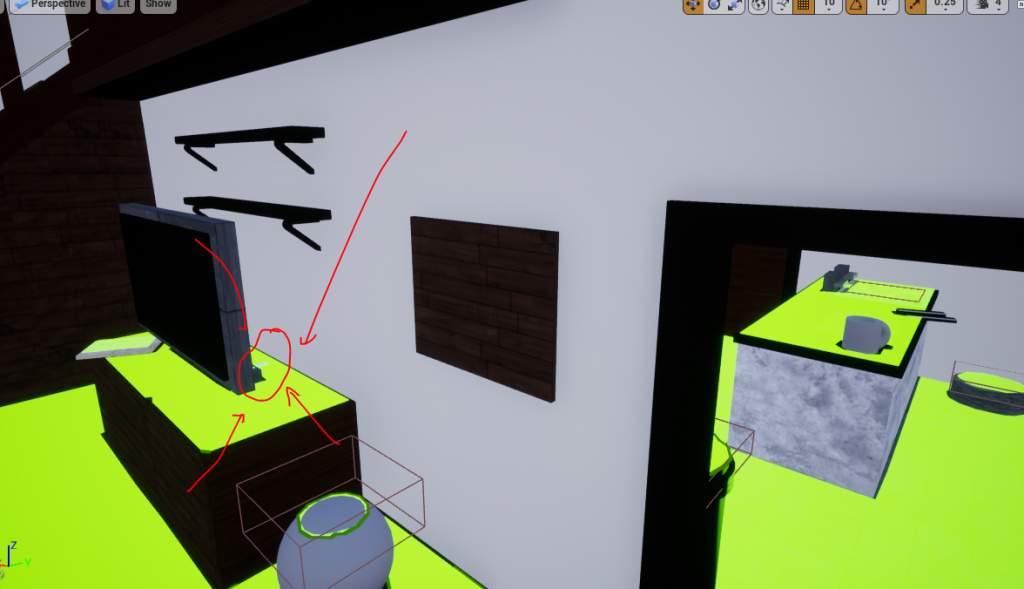


As soon as the item has been collected a widget will then pop up saying the total collection and how many you have got, this helps the player understand how many are left. Also, I’ve added a to-do list which decreases the total as the player collects, once all is collected the player then gets prompt to return back to the machine and win the game.

Bold Impact font to stand out from the background with a 10.0 Purple border thickness.
Zap Animation at the end –
To create this I used Adobe Aftereffects, combining audio with basic shapes and changing the opacity over time to try and create a smooth transition.
Gameplay Video –
Music: Expansion – Epidemic (Accessed, 2 May 2022)